Chargerlab Chargerlab
  • News
    • What's New
    • Interviews
    • Vlogs
    • Events
    • Industry
  • Reviews
    • Charging Compatibility
    • Fully Charging
    • Comparison
    • Chargers & Cables
    • Power Banks & Stations
    • Mobile Devices
    • Accessories
  • Teardowns
    • Chargers & Cables
    • Power Banks & Stations
    • Power Supplies
    • Prototypes
    • Batteries
    • Accessories
  • Videos
    • YouTube
    • TikTok
  • Guides
    • How to Buy
    • Explained
    • Deals
    • ICs
  • POWER-Z
    • KM003C/KM002C
    • KT002
    • Buy POWER-Z
    • Technical Support
  • Contact Us
Home › POWER-Z › ChargerLAB POWER-Z App: A New Way to View Charging Power Without Any Accessories
  • 0

ChargerLAB POWER-Z App: A New Way to View Charging Power Without Any Accessories

Joey
December 5, 2025

Introduction

When using your phone every day, you might have wondered:How can an average user check a phone’s overall power consumption or charging power without professional tools—like the KM003C? Good news — you no longer need dedicated test equipment to get a general idea of these numbers. Introducing the ChargerLAB POWER-Z App, now featuring an all-new power meter function that displays real-time power data directly on your Android device.

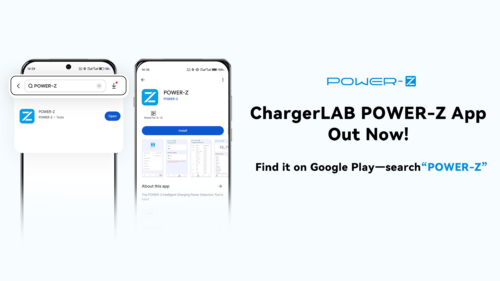
The app is officially available on Google Play — simply search for POWER-Z.


POWER-Z App Features (Android)

Version: 1.0.1

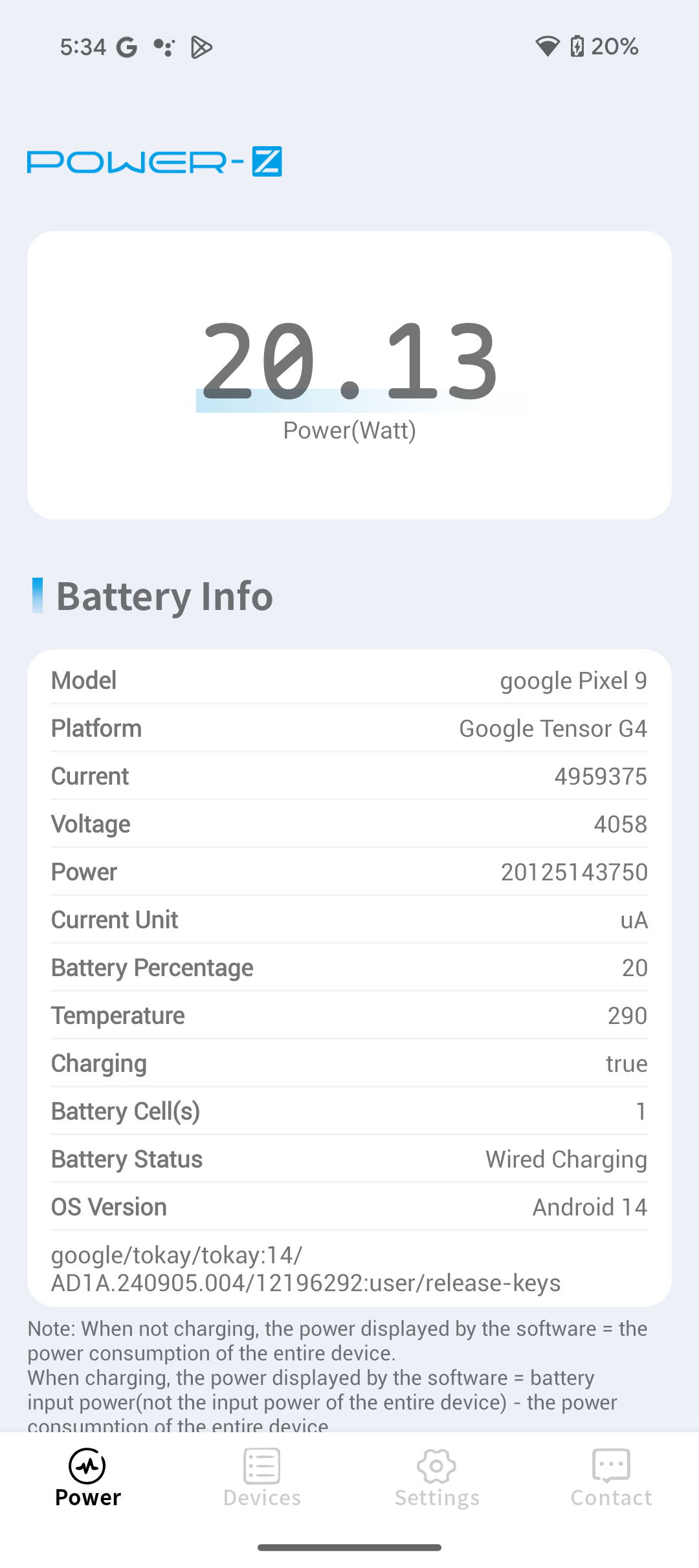
  1. Battery-side charging power
  2. Battery-side discharging power
  3. Device information identification
  4. Battery temperature reading

More features are already in development — stay tuned.


How the Real-Time Power Reading Works

  • When the phone is not charging: The displayed power represents the device’s overall power consumption.
  • When the phone is charging: The displayed power = Battery input power (not total input power) – device power consumption.

Because power conversion during charging isn’t 100% efficient, some energy is lost as heat.

Therefore:

Battery input power (measured by the app) < Total charging power (measured using instruments).

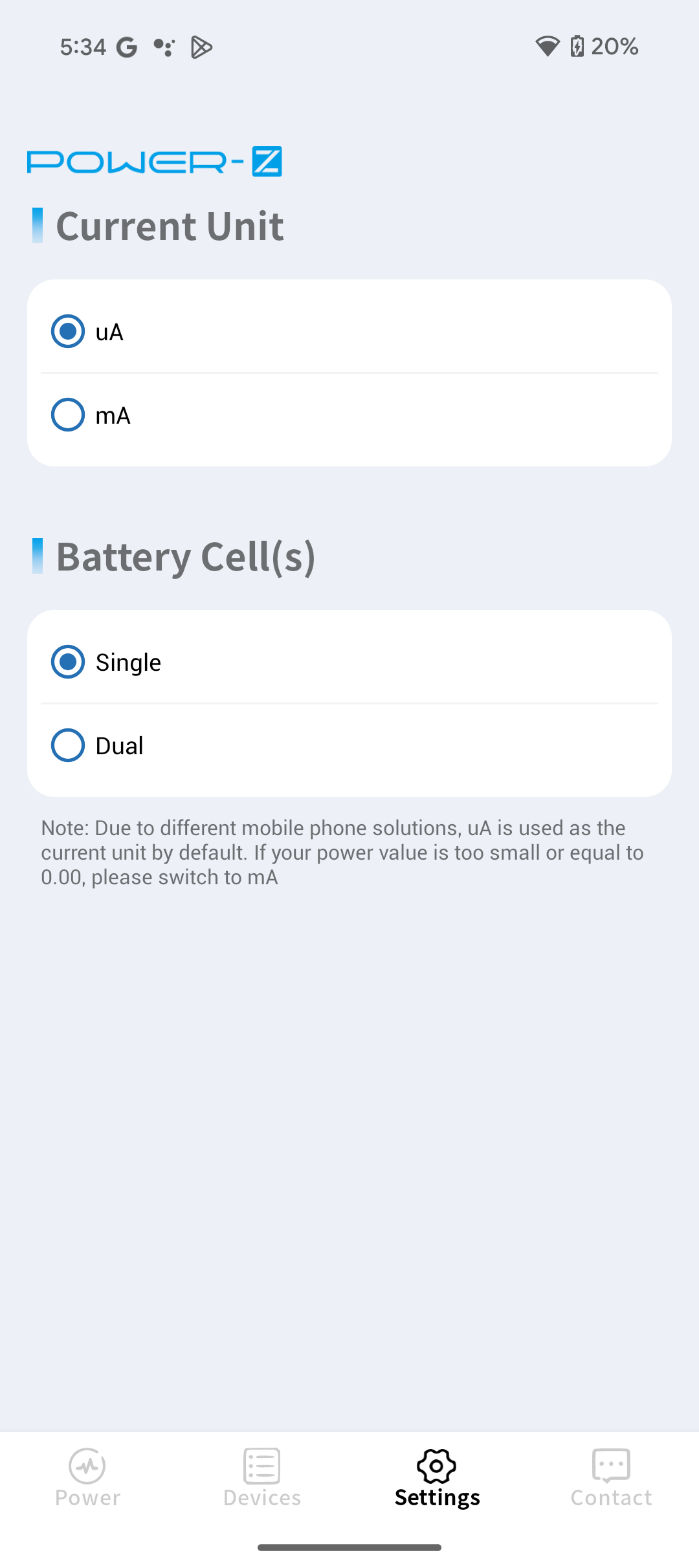
Also, different brands use different current units. If the app shows no power value or something that looks incorrect, simply switch between uA and mA in the settings menu.


Download the App

Google Play link:

https://play.google.com/store/apps/details?id=cn.powerz.powerdumper

Note: Certain MediaTek-based devices are not yet supported.


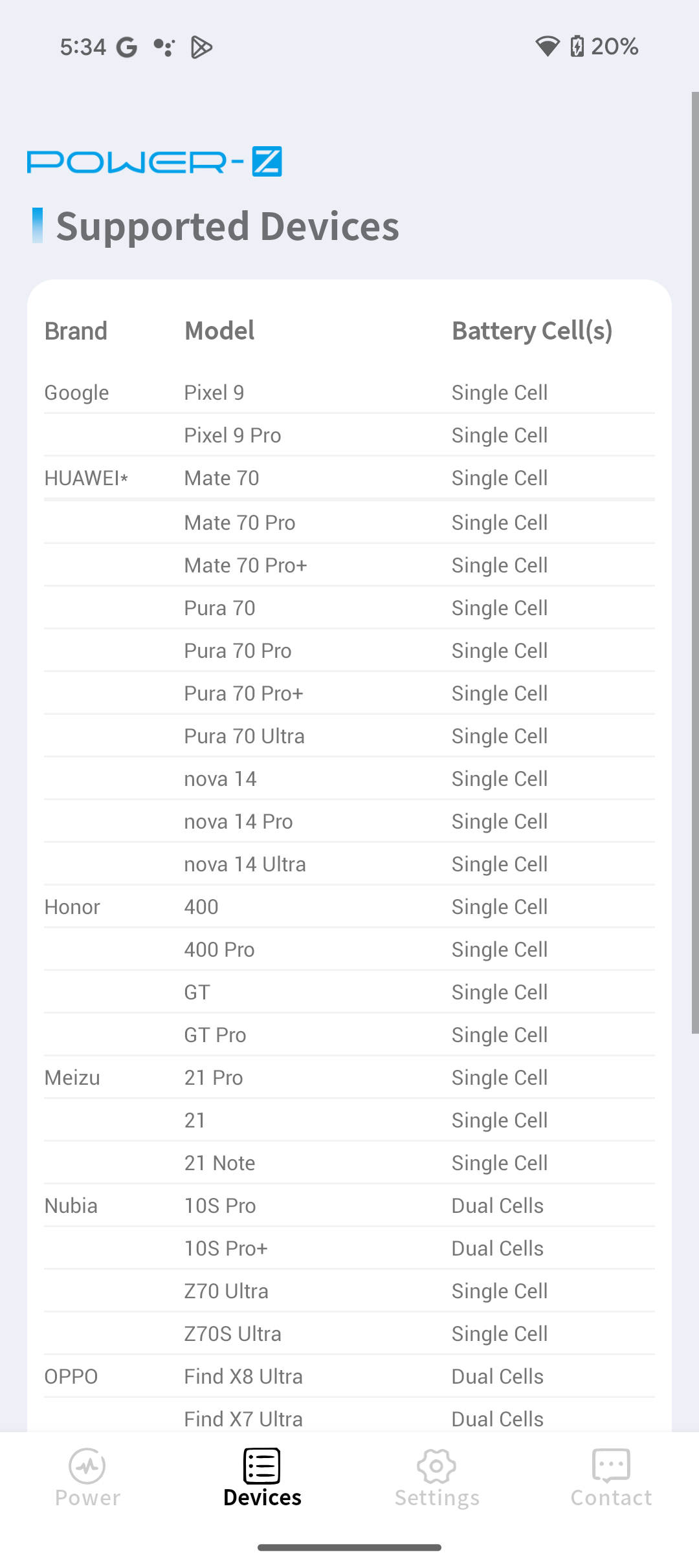
App Interface Preview
ChargerLAB POWER-Z App: A New Way to View Charging Power Without Any Accessories-Chargerlab

Related Articles:
1. ChargerLAB POWER-Z Fan Test: NVIDIA DGX Supports 240W PD 3.1 Power Delivery
2. ChargerLAB POWER-Z KM003C Showcases Panther Lake’s Energy Efficiency at Intel Event
3. V.1.9.9 Supports Apple's New 40W Charger | The New Software Version of ChargerLAB POWER-Z KM003C
KM003C POWER-Z
0
Teardown of BYD 50W In-Car Pre-installed Wireless Charging Module (Video)
Previous
Teardown of IM Motors 50W In-Car Pre-installed Wireless Charging Module
Next

Hot posts

Teardown of IM Motors 50W In-Car Pre-installed Wireless Charging Module
ChargerLAB POWER-Z App: A New Way to View Charging Power Without Any Accessories
Teardown of BYD 50W In-Car Pre-installed Wireless Charging Module (Video)
Teardown of BYD 50W In-Car Pre-installed Wireless Charging Module

Related posts

Cable Simulation | Introducing the Cool Feature of ChargerLAB POWER-Z KM003C

Cable Simulation | Introducing the Cool Feature of ChargerLAB POWER-Z KM003C

July 2, 2023
5
SFCP Protocol Supported | The New Update of POWER-Z KM003C

SFCP Protocol Supported | The New Update of POWER-Z KM003C

January 28, 2023
0
ChargerLAB POWER-Z CT001 USB Cable Tester – Easy and Precise Fault Pin Identification

ChargerLAB POWER-Z CT001 USB Cable Tester – Easy and Precise Fault Pin Identification

September 18, 2025
5
Metal Shell | Introducing the Brand New POWER-Z C240

Metal Shell | Introducing the Brand New POWER-Z C240

August 2, 2023
9

ABOUT ME

As a sibling site of chongdiantou.com, ChargerLAB covers everything about charging, including chargers, wireless chargers, power banks, cables, car chargers, portable power stations and other peripherals. You can contact us by sending the email to info@chargerlab.com.

FOLLOW US

Facebook Instagram TikTok Twitter YouTube

E-COOL MEDIA

POWER-Z Chongdiantou 52Audio
Copyright © 2016-2025 Chargerlab. Designed by nicetheme.
  • News
    • What's New
    • Interviews
    • Vlogs
    • Events
    • Industry
  • Reviews
    • Charging Compatibility
    • Fully Charging
    • Comparison
    • Chargers & Cables
    • Power Banks & Stations
    • Mobile Devices
    • Accessories
  • Teardowns
    • Chargers & Cables
    • Power Banks & Stations
    • Power Supplies
    • Prototypes
    • Batteries
    • Accessories
  • Videos
    • YouTube
    • TikTok
  • Guides
    • How to Buy
    • Explained
    • Deals
    • ICs
  • POWER-Z
    • KM003C/KM002C
    • KT002
    • Buy POWER-Z
    • Technical Support
  • Contact Us
  • Apple
  • GaN
  • ANKER
  • Power Bank
  • 65W
  • 100W
  • ChargerLAB
  • iPhone 15
  • Qi2
  • UGREEN

Joey

Editor